Option 1: Using RStudio on Your Computer
If you’re using RStudio on your computer, you can load the
InfantData.txt file directly from the web using the
url() function:
InfantData = read.table(url("https://www.rossmanchance.com/iscam3/data/InfantData.txt"), header=TRUE)
head(InfantData)
Loading from Your Computer:
If you’ve downloaded the
InfantData.txt file, use
file.choose() to browse for it:
InfantData = read.table(file.choose(), header=TRUE)
head(InfantData)
The
header=TRUE argument indicates the first row contains variable names.
Option 2: Using This Interactive Textbook (Sage Cell)
In Sage cells, you have two options for loading data:
Option 2a: Load from GitHub (recommended for Sage cells)
Option 2b: Create data directly (backup option)
If loading from GitHub times out or fails, you can create the data directly:
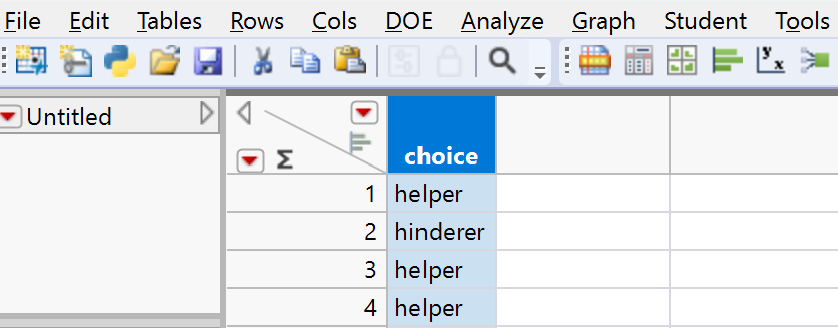
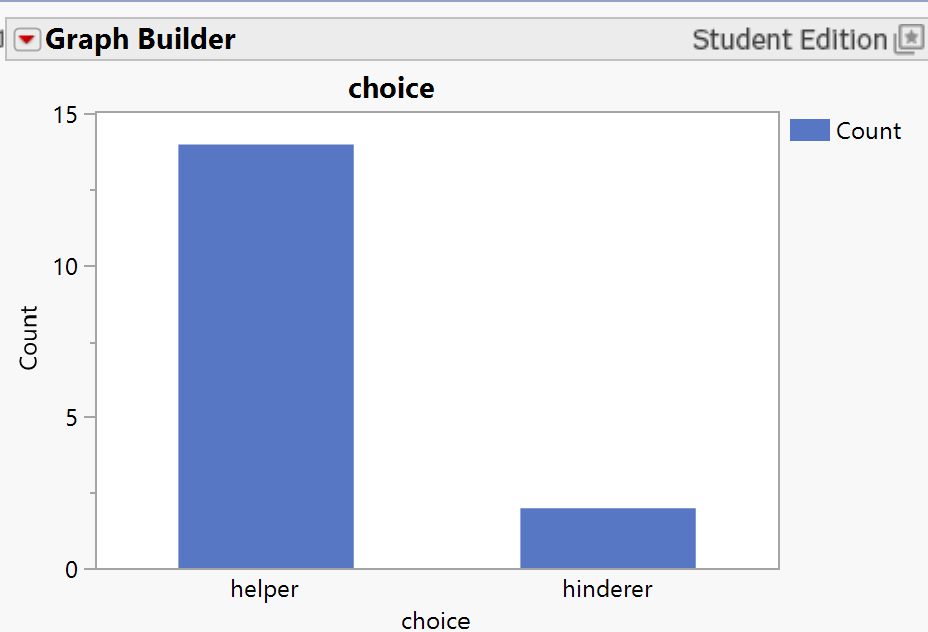
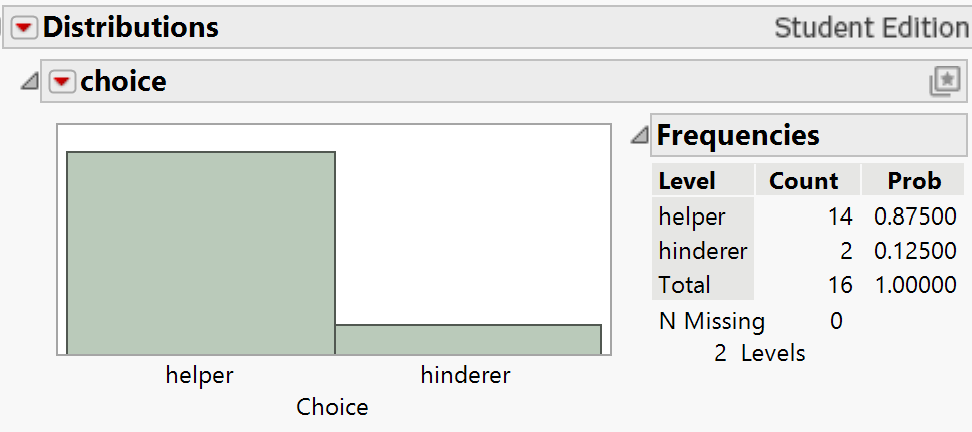
You should see output showing the data with 16 rows and one column called
choice. Verify that you see both "Helper" and "Hinderer" values.
Solution.
After loading the data, you should see a data frame with 16 rows and one column named
choice containing "Helper" and "Hinderer" values.